
Organizations frequently utilize Adobe Experience Manager (AEM), a well-liked content management system, to manage their websites and digital assets. Due to the platform’s complexity, designing user interfaces and user experiences (UI/UX) on AEM may be difficult. The UI/UX design approach on the AEM platform, best practices, and methods for creating a fantastic UI/UX will all be covered in this post.
Understanding AEM for Designers

Tips and Techniques for Building UI/UX the Right Way
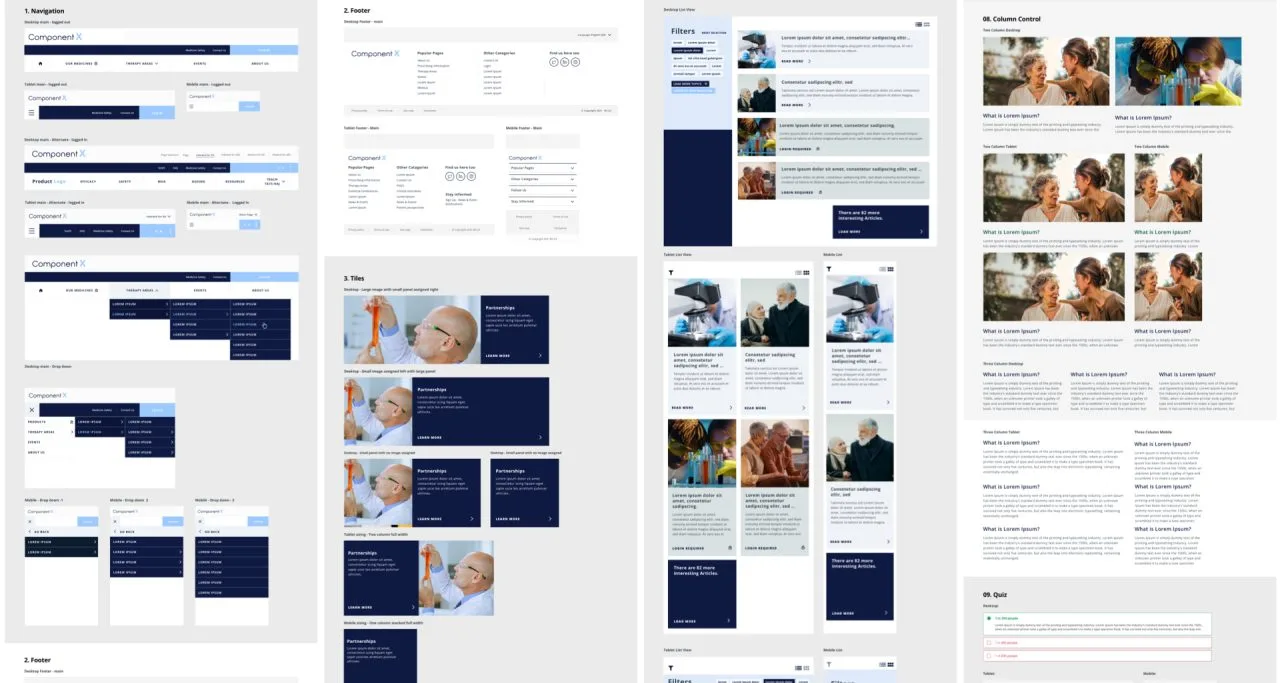
- Make sure the design is user-friendly: When creating interfaces for AEM, accessibility is a crucial factor. The website’s accessibility must be considered by the designers. This involves developing the website to be accessible with assistive technology, keyboard navigation, and screen readers.
Supporting Content Authors in UI/UX Design
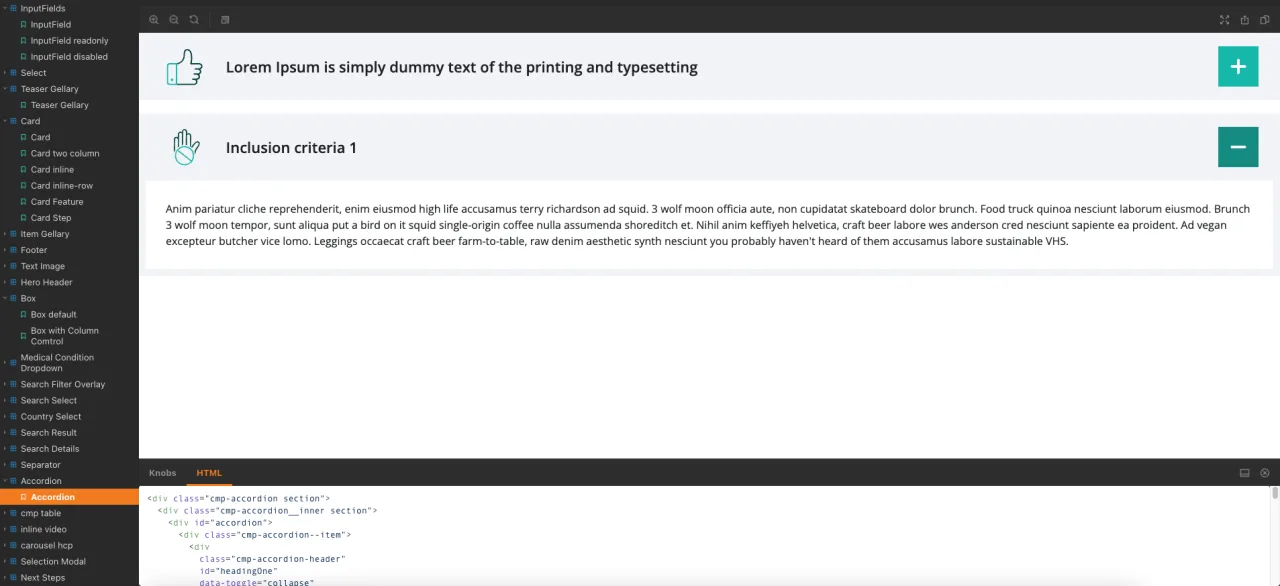
While creating interfaces, designers should take content creators’ demands into account. This involves making certain that the user interfaces are clear and support the authoring workflow. To enable content producers, make the most of the platform, designers should also offer clear instructions and suggestions on how to utilize the interfaces.
Using Front-End Component Libraries in AEM
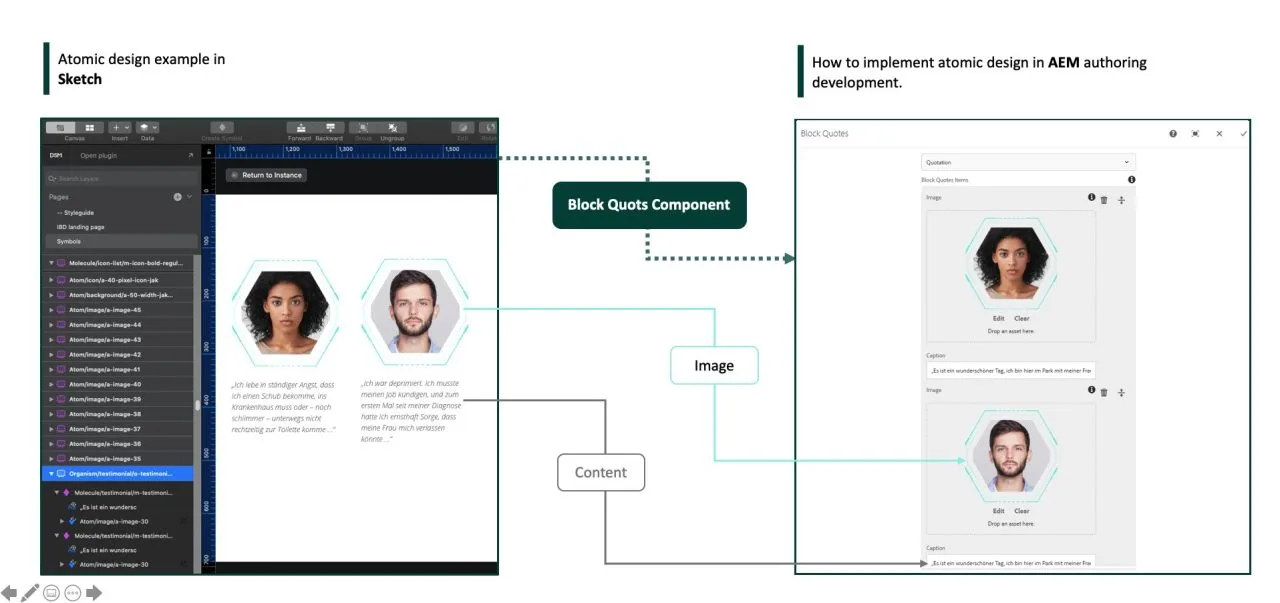
Front-end component libraries may be utilized to speed up development and boost the design’s coherence. A front-end component library is a collection of pre-made user interface (UI) elements that may be used to rapidly and simply create interfaces. The uniformity of the design across many pages may be improved with the use of a front-end component library in AEM, which also makes it simpler for developers to create interfaces.
It is crucial to confirm that a front-end component library is compatible with AEM before utilizing it. To make sure that the components are simple to use and compatible with the platform, designers should collaborate closely with the development team.
Creating a Design System for AEM
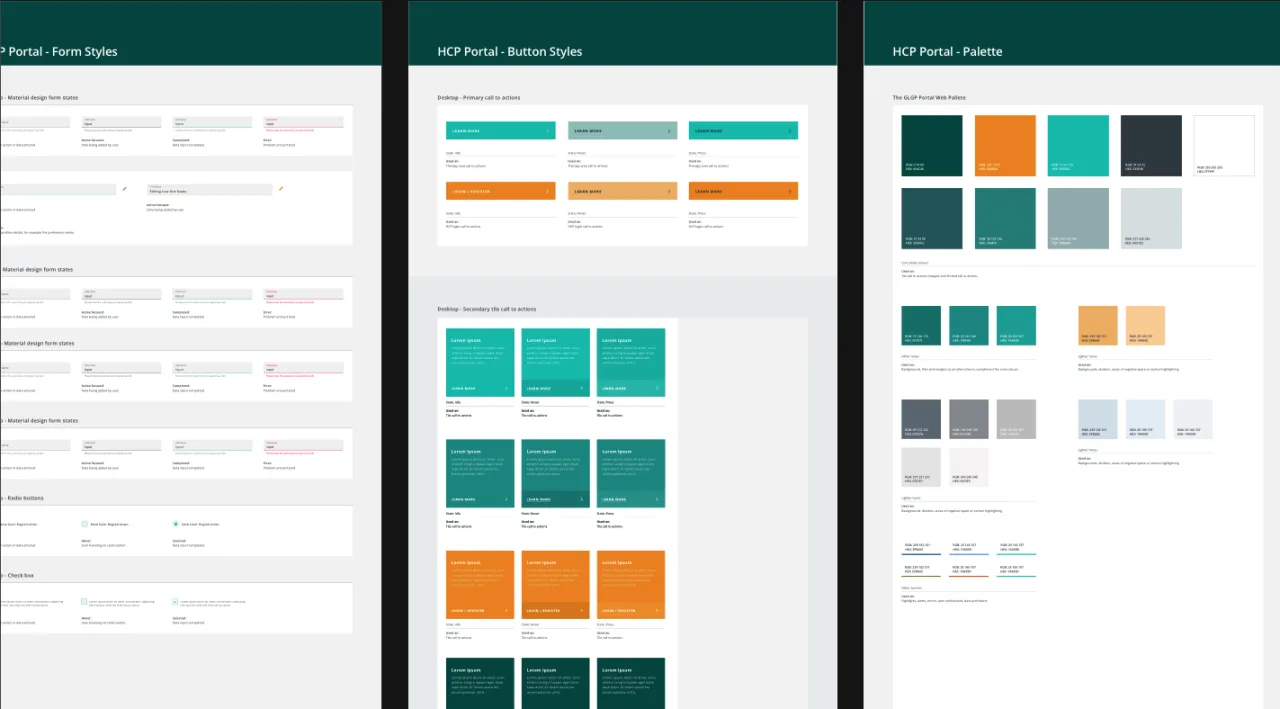
The requirements of the users and the organization’s brand identity must be taken into consideration while creating a design system for AEM. A good design system should allow for flexibility while keeping consistency and be adaptable, scalable, and simple to use. Designers should also ensure that the design system is easy to maintain and update, as it is likely to evolve and grow over time.
In order to assure consistency and accelerate the development process, designers and developers should collaborate closely to construct a design system that is compatible with AEM. Also, they should make sure that the design system is inclusive and accessible, considering all users’ demands, including those of users with impairments.
Further considerations
While developing interfaces, designers should consider these best practices in addition to the user’s experience and journey. They should design user interfaces that are simple to use, straightforward, and provide a clear route for people to follow. Also, they ought to think about the requirements of various user groups and create user interfaces that meet those demands.
AEM UI/UX design may be difficult, but by using the best principles and methods, designers can produce interfaces that are powerful, effective, and simple to use. Designers may guarantee uniformity across various website pages and parts while also providing for customization and flexibility by establishing a design system. Designers should collaborate closely with developers to make sure the design is responsive to the platform and performance optimized as AEM offers a variety of tools and components that may be utilized to build efficient interfaces.
Bringing it all together: The Importance of a User-Centered Design Approach for AEM
In conclusion, creating a fantastic UI/UX for AEM is not a simple effort and necessitates a thorough comprehension of the platform, the requirements of the users, and the most recent design trends and best practices. While creating interfaces, designers must take into account a variety of elements, including the design system, the modular design approach, mobile responsiveness, SEO optimization, appropriate tracking and analytics, and the user journey and experience. Designers may produce interfaces that are logical, simple to use, and successful in fulfilling the objectives of the company by following these guidelines.